Page 2 - Tips & Tricks

  1. Tips for shooting Split Shots

    Split shot underwaterphotography

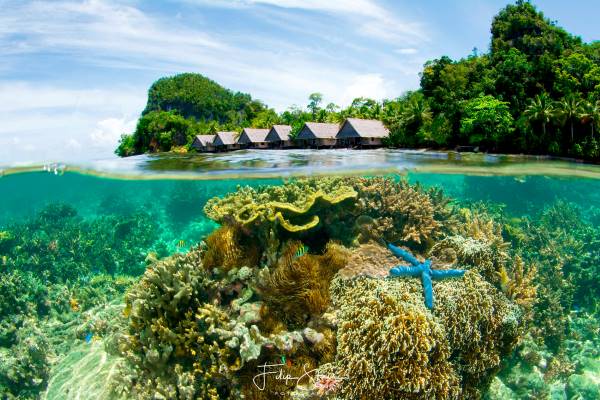
    Split shots, also called half-in, half-out or over-under shots, are loved because they blend what's above and below water. Picture an island with palm trees and fish swimming beneath, or someone diving in. These shots make holiday scenes more exciting by showing two worlds at once.

    Capturing stunning split shots involves careful attention to detail, especially when it comes to managing the water line. Here's a simpler breakdown to help you nail those underwater masterpieces:

    Start by selecting an 8" dome or even a larger dome for your camera housing. This larger dome size helps create a smoother transition at the waterline, giving you better image quality both above and below the surface. Combine it with a super wide-angle or fisheye lens capable of focusing closely, typically around 30 cm or closer. This setup ensures you capture the entire scene in stunning detail.

    Ikelite underwater systems published a video with tips & trics for Split shots.

    When shooting split shots, achieving the

    Read more »
  2. Improve Your Underwater Photos and Videos with Ambient Filters

    Ambient blue filters

    Underwater photography is just amazing, but capturing its beauty requires more than just a camera and a housing. To truly improve your underwater shots, consider adding ambient filters to your strobes or videolight.

    Read more »
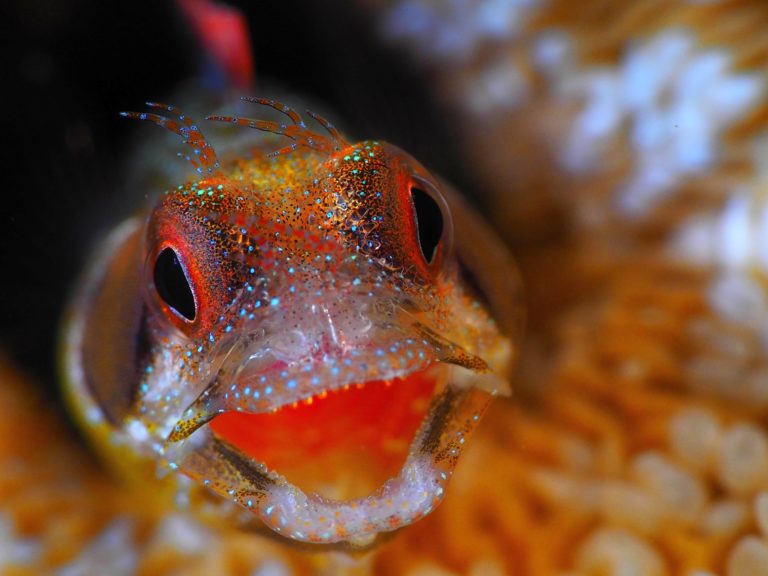
  3. Shooting this fish portrait

    Shooting this fish portrait

    Shooting a fish portrait is often a matter of patience. And arm cramps...

    Location
    This photo was taken at Swanee Rock in the sea of Cortez in Mexico, also called the Gulf of California. It was my entry for the fish portrait category in the CMAS world championship underwater photography 2017 in La Paz.

    Read more »
  4. How to adjust white balance on Olympus Tough camera

    How to adjust white balance on Olympus Tough camera

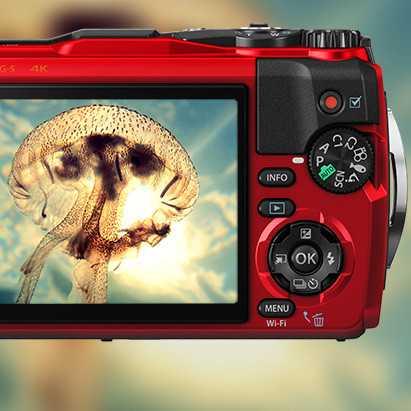
    Of course you can use the program mode under water and for macro or wide angle, when diving or snorkeling with an Olympus Tough. You can also simply fine-tune the white balance yourself.

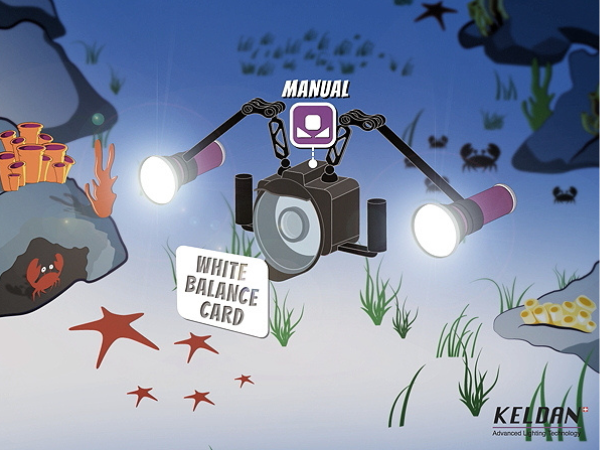
    Set the camera to P or A to adjust the white balance yourself. With a click on OK you open the menu on the right and bottom. Then select the white balance icon. If you choose "white balance with one key", you can register a white balance yourself by pressing the INFO button.

    Read more »
Page
Copyright © Onderwaterhuis 2025 - All rights reserved